01 · Select call types
Name the outcome and record owner.
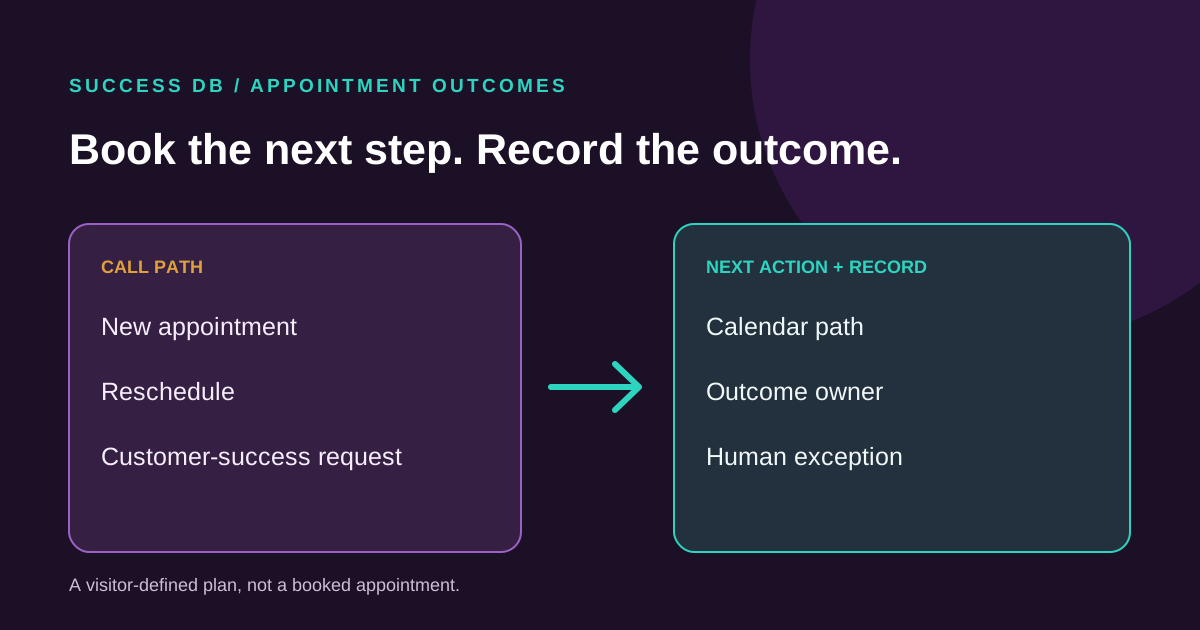
Choose the call types your team handles. For each one, select a next action and name the calendar or request path, CRM record owner and human exception.
Your planning result
Call outcomes and open branches
Questions to resolve
02 · Team review
Make the record useful.
Agree on what should reach the calendar, CRM and human owner.
Booking rules
Record fields
Unfinished request
How the tool works
A plan to verify with your team.
What is counted
Each selected call type becomes one row. The count includes rows with a chosen outcome plus a named calendar/request path, CRM record owner and human exception owner. Missing choices appear as review points.
What remains unverified
The tool cannot check a live calendar, make or change an appointment, send confirmations, write a CRM record or judge whether a request was resolved. Test permissions and exception handling with your team.
Take the next step
Review the whole appointment path.
Success DB can discuss booking, rescheduling, customer-success requests and clear CRM outcome records under your approved rules.
Put your plan in context
Read a related guide and a worked example →
Review your assumptions with the people who own the next step before configuring a live flow.